How-to
How to convert a PDF to EPUB for comfortable reading
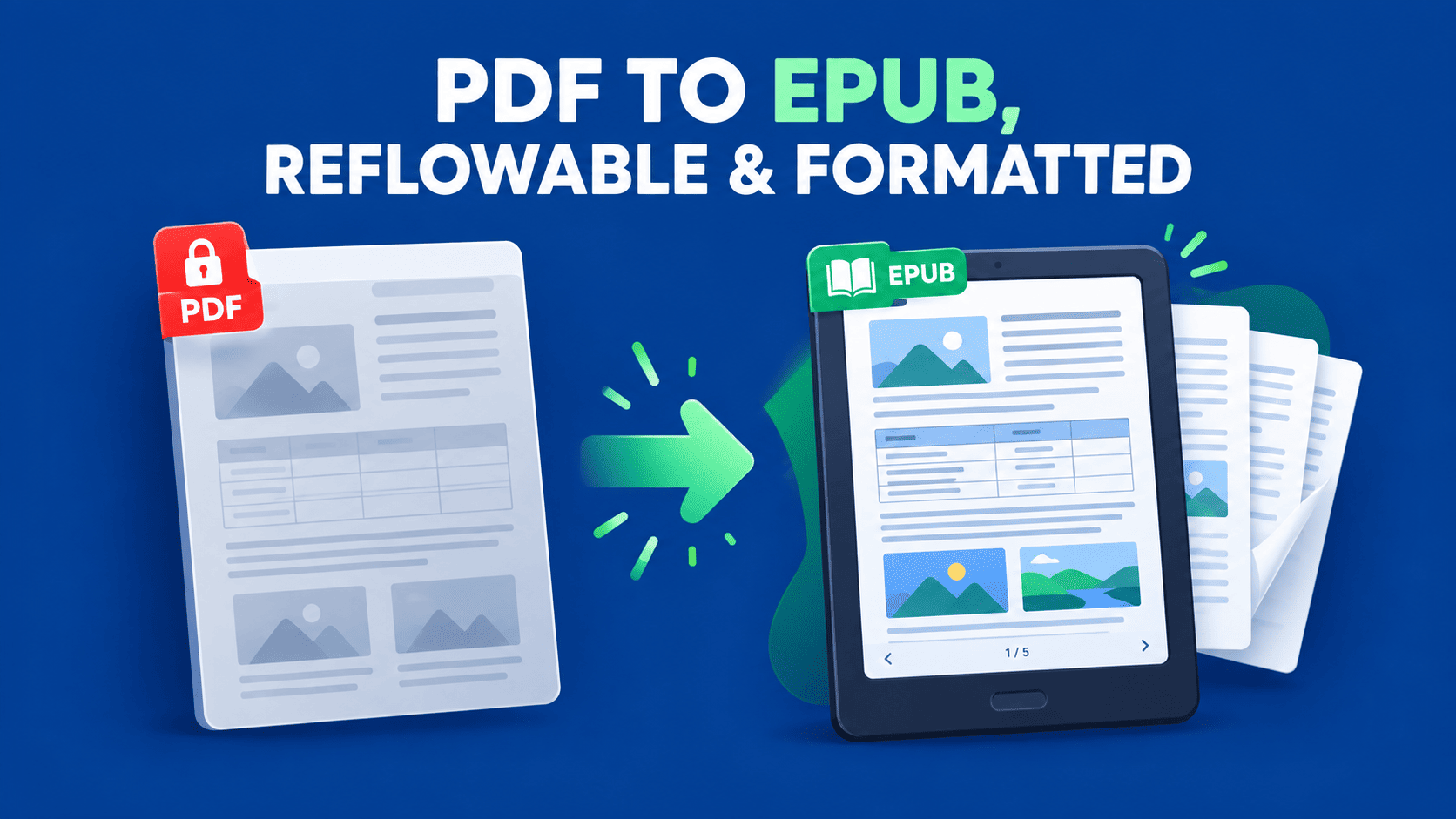
Reading a PDF on a phone or e-reader means endless pinch-zooming and side-scrolling, because a PDF is locked to a fixed page size. Converting it to EPUB fixes that — the text reflows to fit whatever screen you're on. Here's how to do it, which PDFs convert well, and how to get the result onto a Kindle.
Updated August 30, 2026 · 6 min read

A PDF is built to look identical everywhere — every page a fixed size, every line exactly where the author placed it. That's perfect for printing and terrible for reading on a small screen, where you end up zooming in and dragging the page left and right just to follow a sentence. EPUB is the opposite: it's the standard e-book format, and its text reflows to fit any screen. Make the font bigger, rotate your phone, switch from a tablet to an e-reader — the text simply rearranges to fit. Converting your PDF to EPUB is how you turn a document meant for paper into one meant for reading.
Why EPUB is better for reading on a screen
- Text reflows to fit the screen, so there's no zooming or horizontal scrolling on a phone or e-reader.
- You control the text — font size, typeface, line spacing and brightness all adjust to how you like to read.
- It works across devices — phones, tablets and dedicated e-readers all handle EPUB, and it syncs your place as you go.
- It's lighter and more accessible — smaller files, and better support for screen readers than a fixed PDF.
Which PDFs convert to EPUB cleanly (and which don't)
This is the honest part most guides skip: the quality of a PDF-to-EPUB conversion depends heavily on the PDF you start with. Because EPUB throws away the fixed layout and lets everything reflow, PDFs that are mostly flowing text convert beautifully, while heavily designed ones don't survive the trip as well.
| Type of PDF | How well it converts |
|---|---|
| Novels, articles, reports — mostly text | Excellent — this is exactly what EPUB is for |
| Text with the odd image or simple table | Good — reads well, minor tidy-ups at most |
| Textbooks with sidebars and boxes | Mixed — the reading order can shift |
| Magazines, brochures, heavy multi-column design | Poor — fixed design doesn't reflow into an e-book |
| Scanned PDFs (pictures of pages) | Needs OCR first — there's no text to reflow otherwise |
How to convert your PDF to EPUB
- 1
Open the converter
Go to the PDF to EPUB tool in your browser. Nothing to install.
- 2
Upload your PDF
Drag the file in or click to browse. You can queue up more than one if you have a few to convert.
- 3
Convert to EPUB
Start the conversion. The text is extracted and rebuilt into a reflowable EPUB, with images carried across where they belong.
- 4
Download and check it
Download the .epub file and open it in any e-reader app. Skim a few pages to confirm the flow reads naturally before you load it onto a device.
Reading the EPUB on a Kindle
A common question: can you read the result on a Kindle? Yes. Since 2022, Amazon's Send to Kindle accepts EPUB files — you email or upload the EPUB and Amazon prepares it for your device. A couple of things to know so it works first time:
- Send the EPUB to your @kindle.com address, or use the Send to Kindle web uploader or app.
- If you send by email, add your sending address to your approved senders list in Amazon's Personal Document Settings first, or Amazon will reject it.
- The file must be DRM-free — a document you converted yourself is fine; a protected library book is not.
What about scanned PDFs?
If your PDF is a scan — a photo of each page — there's no text inside it to reflow, so a straight conversion won't give you a real e-book. Run the scan through the OCR PDF tool first to extract a text layer, then convert that to EPUB. A quick way to tell: if you can't select the text in the PDF with your cursor, it's a scan and needs OCR first.
Frequently asked questions
Why convert a PDF to EPUB instead of just reading the PDF?
Because a PDF has a fixed page size, so on a phone or e-reader you have to zoom and scroll to read it. EPUB reflows its text to fit any screen and lets you change the font size, so it reads comfortably on any device. If you mainly read on a small screen, EPUB is far more pleasant than a fixed PDF.
Will the conversion keep my PDF's exact layout?
No — and that's the point. EPUB deliberately drops the fixed layout so the text can reflow to fit the screen. That's ideal for text-heavy documents like books and articles. If you need to preserve an exact designed layout, EPUB isn't the right format; a PDF or a fixed-layout export would be.
Can I read the converted EPUB on a Kindle?
Yes. Since 2022, Amazon's Send to Kindle accepts EPUB. Email the file to your @kindle.com address (from an approved sender email) or use the Send to Kindle app or web uploader, and it appears in your library. The EPUB must be DRM-free. Amazon converts it to its own format during delivery, so you don't need to convert to MOBI yourself.
Which PDFs convert to EPUB best?
Text-heavy PDFs — novels, articles, reports, guides — convert excellently, because that's what EPUB is built for. PDFs with heavy multi-column design, like magazines and brochures, convert poorly since their fixed layout can't reflow. Scanned PDFs need OCR first, because there's no text in them to reflow.
Can I convert a scanned PDF to EPUB?
Not directly — a scanned PDF is an image with no selectable text, so there's nothing to reflow. Run it through an OCR tool first to add a real text layer, then convert that to EPUB. If you can't select the text in your PDF, it's a scan and needs OCR.