How-to
How to Edit a PDF File for Free, Right in Your Browser
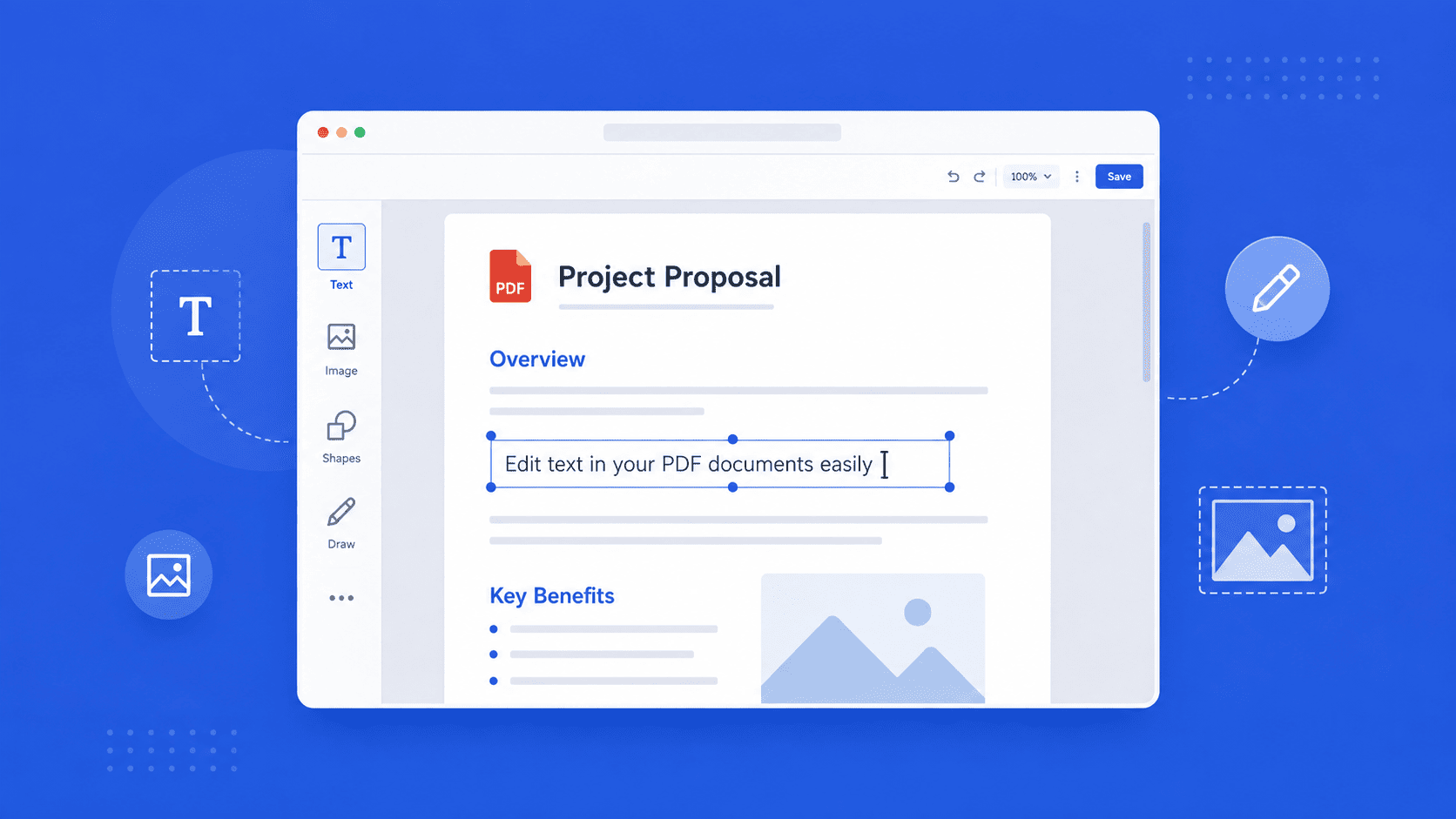
Need to fix a typo, update a date, or change a line in a PDF? You don't need expensive software or a round-trip through Word. Here's how to edit a PDF directly in your browser — and even build one from scratch.
Updated July 29, 2026 · 5 min read
Translating a document and editing one are two different jobs. Once you've translated a PDF, you often still need to tweak it — fix a name, update a figure, adjust a line that didn't fit. The problem is that PDFs are locked by design: you can read them, but you can't just click and type the way you would in a normal document.
Most people reach for expensive desktop software, or convert the file to Word and back until the formatting falls apart. There's a simpler way: edit the PDF directly in your browser, with nothing to install.

How to edit an existing PDF
- 1
Open the editor
Go to pdfsimplified.com/edit-pdf in your browser. There's nothing to download or set up.
- 2
Choose your PDF
Click the Select PDF files button and pick the document from your computer. It loads into the editor page by page, exactly as it looks now.
- 3
Click the text and retype it
Click directly on any line of text you want to change and start typing. The rest of the page stays exactly where it is — only the part you touched changes.
- 4
Add images, shapes, or drawings
Use the toolbar on the left to drop in an image, add a shape, or draw freehand on the page. Everything you add is visible as you place it.
- 5
Download your edited PDF
When you're happy with it, open the File panel and click Download. Your original file on your computer stays untouched — you get a new, edited PDF.
How to create a PDF from scratch
Don't have a file to start from? You can build one from a blank page instead. Go to pdfsimplified.com/create-pdf and pick a page size — A4, Letter, Legal, A3, A5, Tabloid, B5, or Executive — so your page is set up correctly from the start. You then get the same editor and toolbar to build your document.
Can you edit a scanned PDF?
A scanned page is really a photograph of a document, so there's no text to click on. You can still draw on it, add new text boxes over it, and insert images — but you can't retype what's inside the scan itself. If you need the text from a scan, run it through OCR first to turn the image into real, selectable text.
Frequently asked questions
How do I edit a PDF for free?
Open a browser-based editor like PDFSimplified, select your PDF, and click any text to retype it. You can add images, shapes, and drawings too, then download the finished file. There's nothing to install.
Do I need to install any software?
No. The editing in this guide happens entirely in your browser. You open the editor, select your file, and start editing — no download or setup required.
Does editing change my original file?
No. Your original file on your computer is untouched. The changes only exist in the editor until you click Download, which saves a new, edited file.
Can I edit a scanned PDF?
Not the text inside it directly — a scan is an image, so there's nothing to click on. You can draw on it, add text boxes over it, and insert images. To edit the actual text, run the scan through OCR first to convert it into selectable text.
Can I create a PDF from scratch?
To create a PDF, visit the "Create PDF" page on PDFSimplified. Choose a page size, such as A4 or Letter, and you'll receive a blank page along with the editing toolbar. Additionally, you can generate a PDF from a prompt and edit it as needed.